Advertisement
Click to download now, finish the installation quickly, and directly unlock the all-round experience
Advertisement
Screenshots
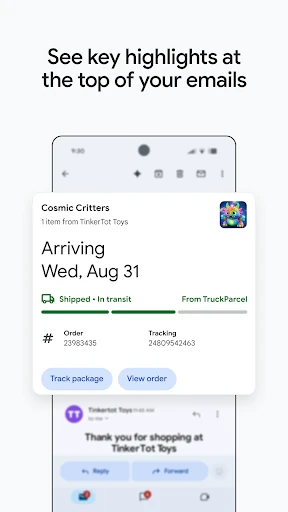
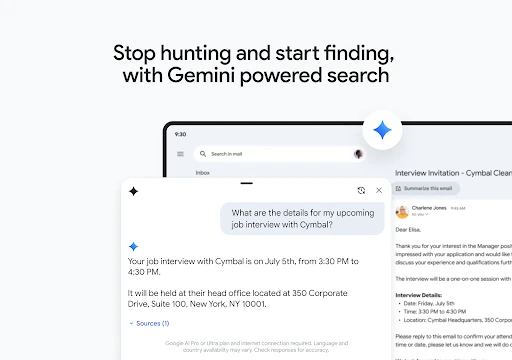
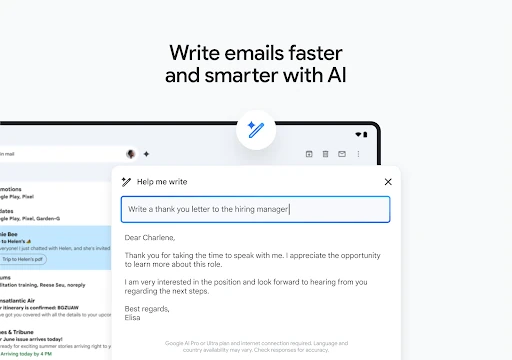
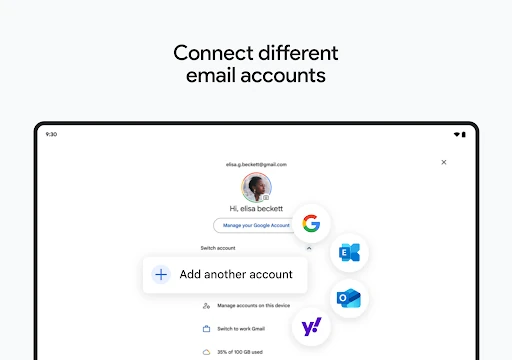



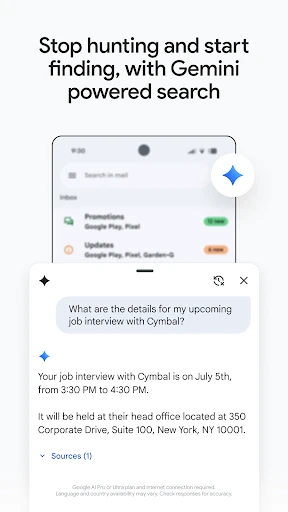
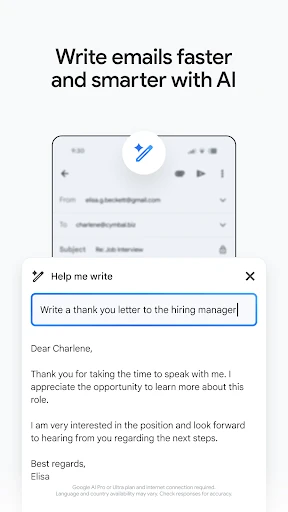
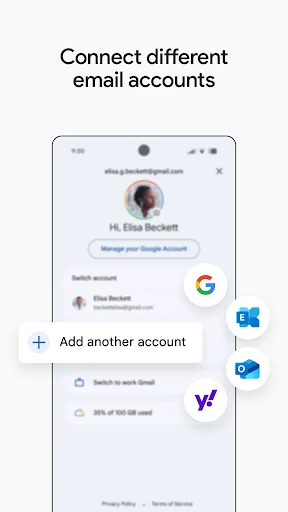
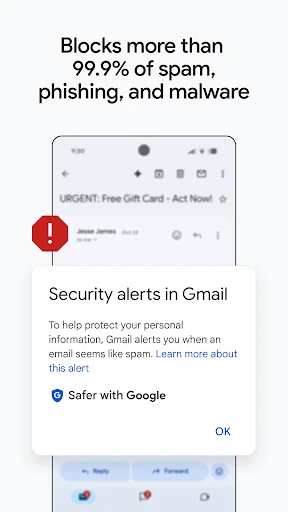
Click to download now, finish the installation quickly, and directly unlock the all-round experience
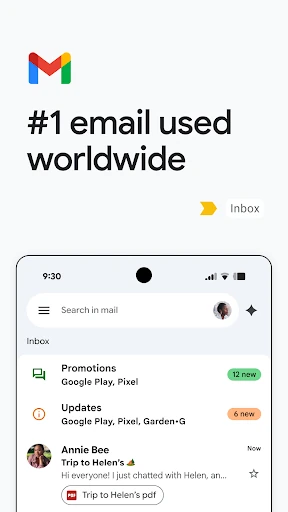
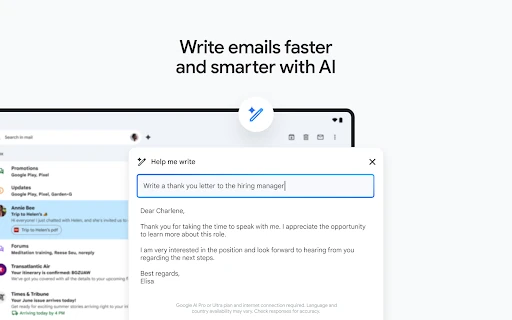
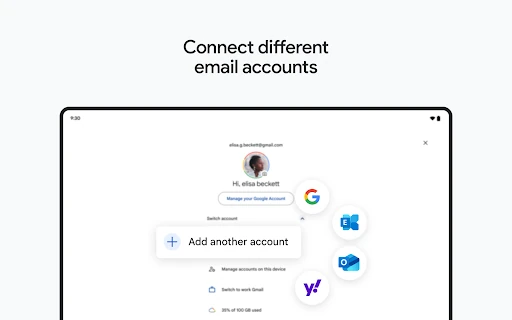
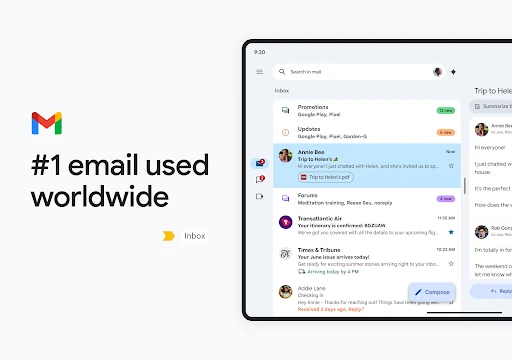
Gmail is Google’s email app for reading, sending and keeping track of messages on Android. It suits people who use a Google account for personal or work email, as well as anyone who wants to bring more than one email account into a single app. If your main need is straightforward email, it can cover that without requiring you to use its other connected services.
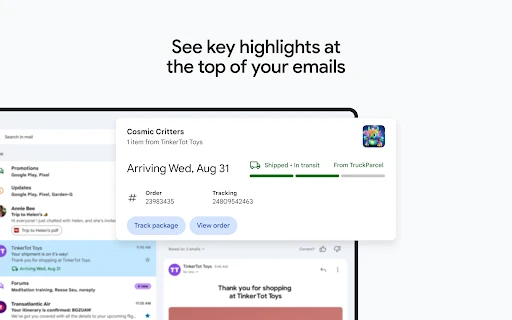
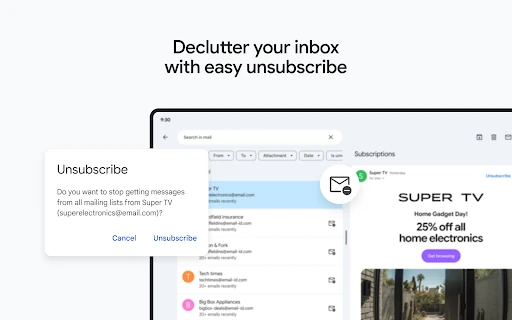
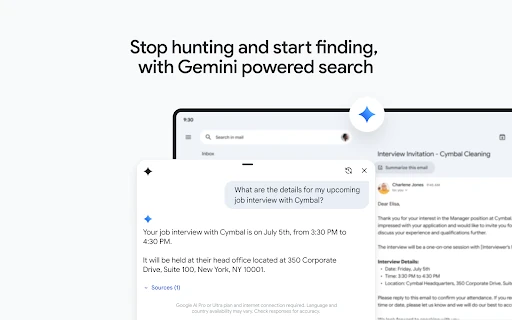
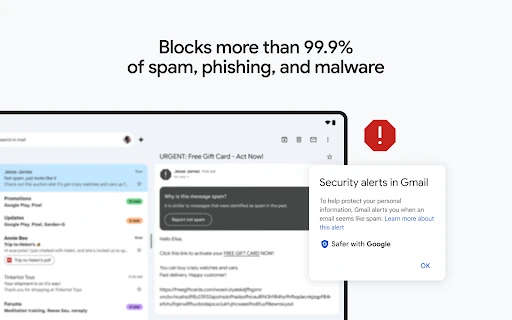
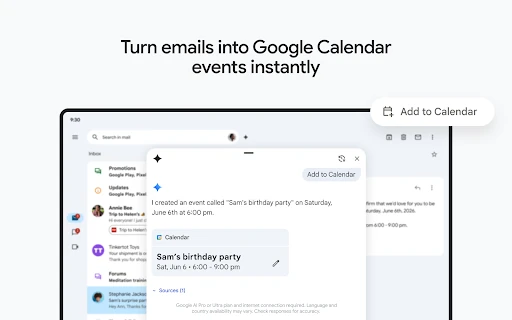
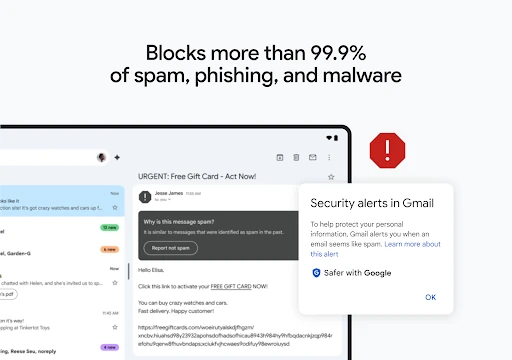
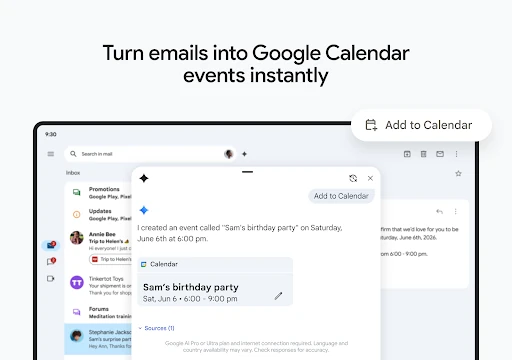
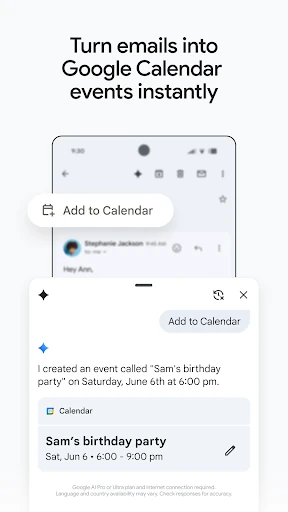
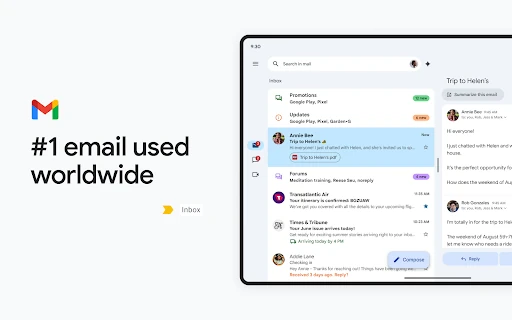
The inbox is built around conversations, so replies are grouped together rather than scattered as separate entries. Search helps retrieve older messages, while spam filtering keeps unwanted mail apart from the main inbox. Gmail also connects email with Google services including Calendar, Meet and Chat; that may be useful if those are already part of your routine, but it is not a reason to choose Gmail if you want a narrowly focused mail app.
Gmail is a practical starting point for comparing Android email clients: it combines core mail tasks with Google service links, and can handle multiple accounts. Consider whether you want that connected setup or would rather use an app with a different interface or fewer ties to Google. The right choice depends on how you manage your inbox, not simply on how familiar the app is.
Gmail is published by Google LLC in the Communication category. Its listing shows a 4.1 rating from 14,166,839 ratings and more than 10 billion installs. Those figures indicate broad use, but they do not tell you whether its layout, account handling or connected tools suit your own habits. Compare those basics with alternatives before settling on it.