AirScreen - AirPlay & Cast
Ionitech
Downloads
10,000,000+
Source
Google Play
Advertisement
Click to download now, finish the installation quickly, and directly unlock the all-round experience
Advertisement
Screenshots
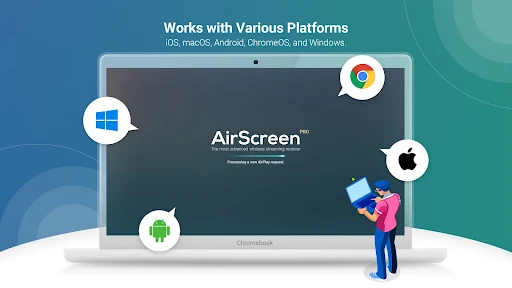
Click to download now, finish the installation quickly, and directly unlock the all-round experience
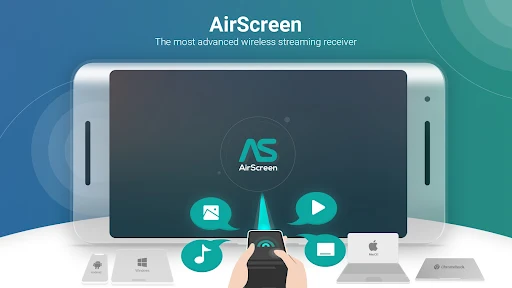
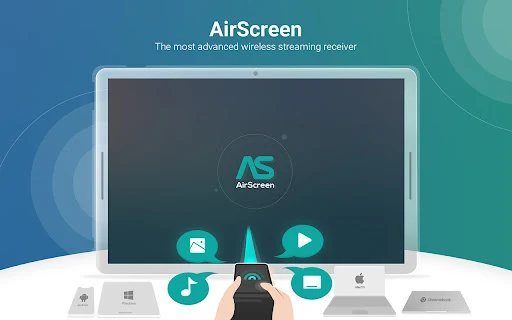
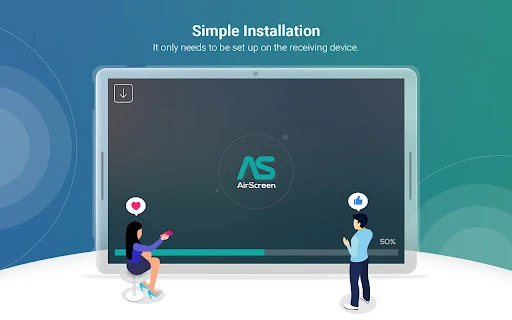
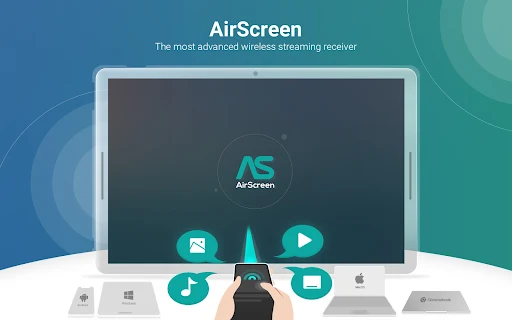
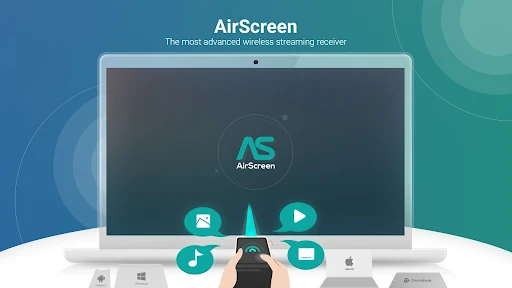
AirScreen - AirPlay & Cast turns an Android device into a wireless receiver for media sent from phones, tablets, computers and other compatible devices. It is for people who want to show videos, music or other content on a larger screen without connecting a cable. The app is installed on the receiving device; the sender uses a supported sharing method.
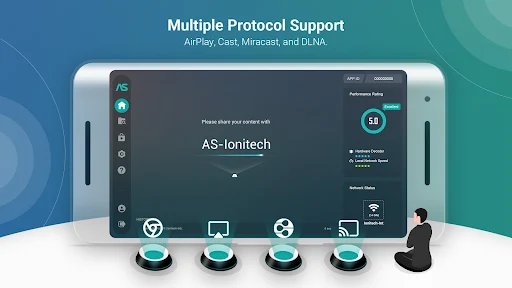
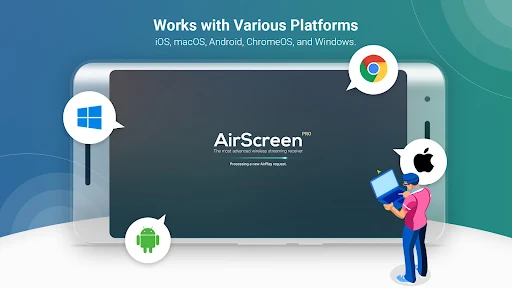
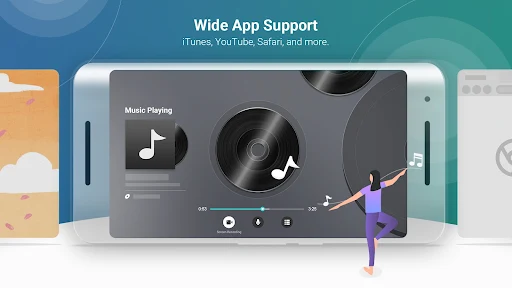
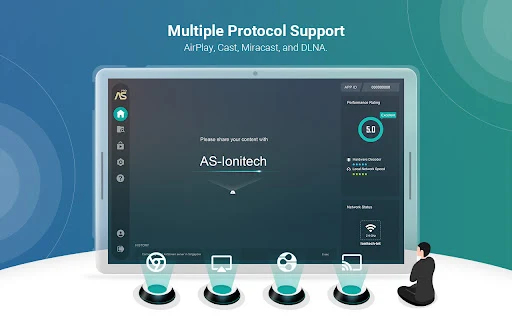
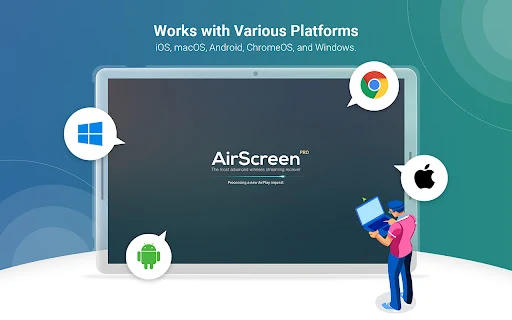
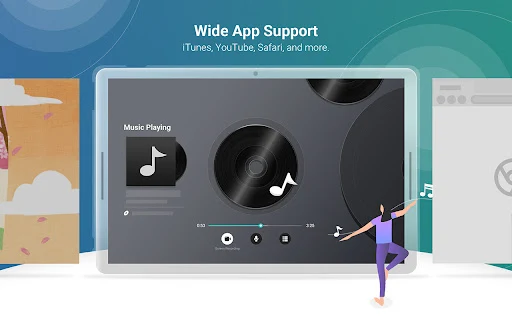
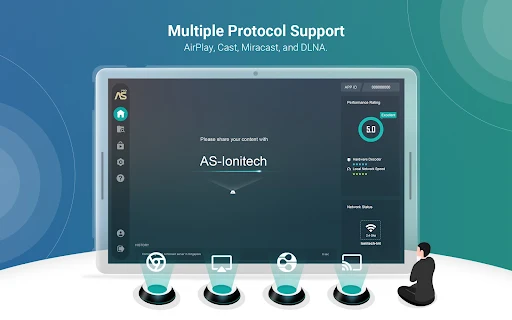
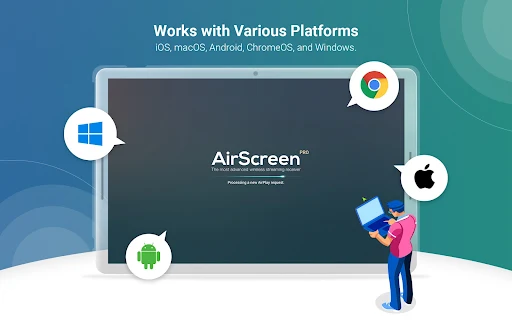
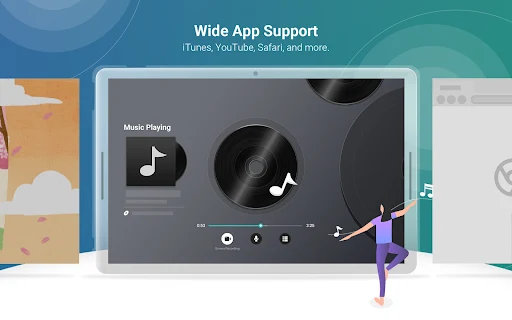
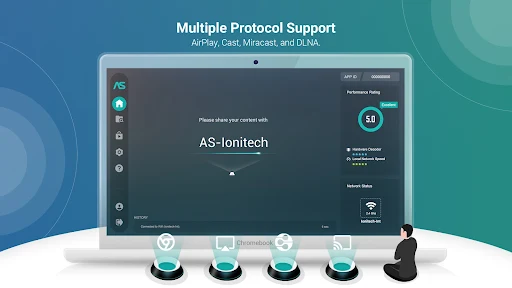
AirScreen supports AirPlay, Cast and DLNA, along with Miracast on some configurations. The reference notes that Miracast is disabled on Android 8.0 and later. Support can also depend on the particular Android phone, tablet or TV, so check compatibility before relying on it as a household receiver. Compatible sources include services such as YouTube and browsers such as Safari and Chrome.
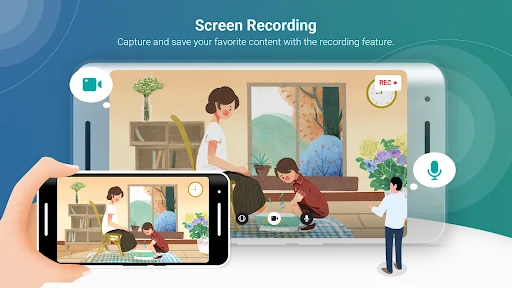
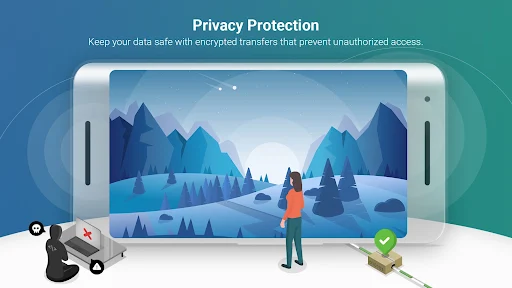
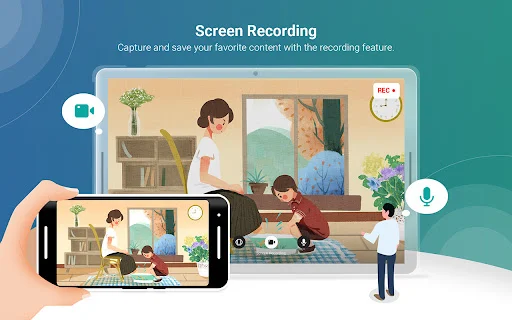
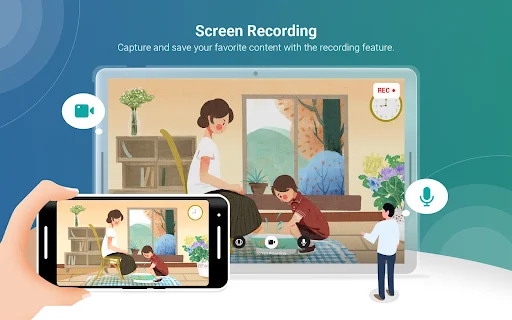
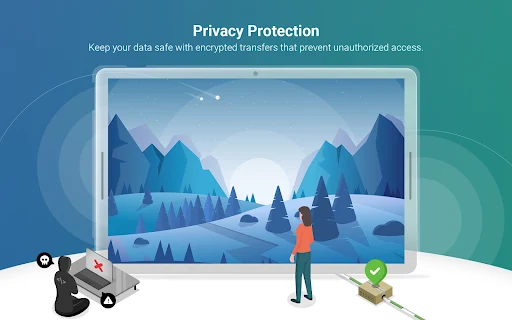
The app includes screen recording, encrypted transfers, background service mode and video hardware acceleration. It also lists support for 4K playback. These options may matter if you want to keep a recording or leave the receiver running, but they do not guarantee the same results on every device or with every source. If simple, dependable casting is the main reason you are considering it, device compatibility is worth checking first.
AirScreen is published by Ionitech in the Entertainment category. It has more than 10 million installs, while its rating is 2.25 from about 21,350 ratings. That combination suggests many people have tried it, but the low score is a reason to compare it with other receiver apps rather than choosing on reach alone. Think about which sending devices and protocols you need, then weigh that against the rating and your own compatibility requirements.