Advertisement
Click to download now, finish the installation quickly, and directly unlock the all-round experience
Advertisement
Screenshots


Click to download now, finish the installation quickly, and directly unlock the all-round experience
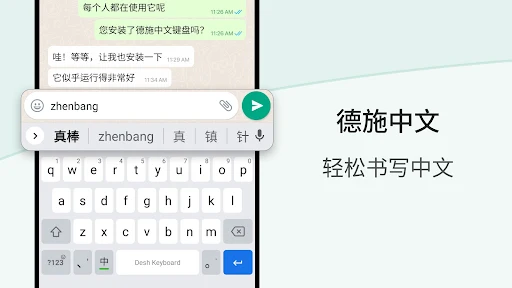
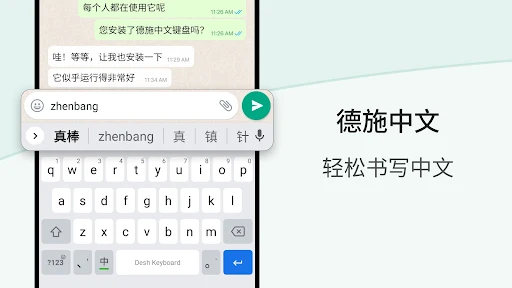
Chinese Keyboard - Pinyin converts phonetic typing in English characters into Simplified Chinese, offering Chinese word suggestions as you type. It suits people who want to write Chinese in messaging and social apps without selecting characters one by one. The keyboard is made by Desh Global and is listed in the Tools category.
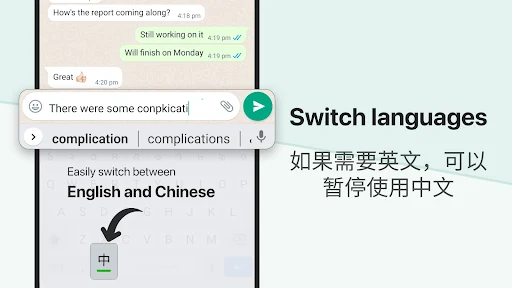
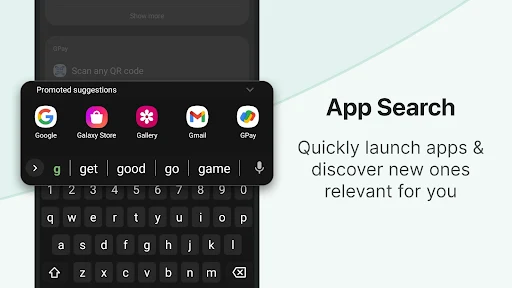
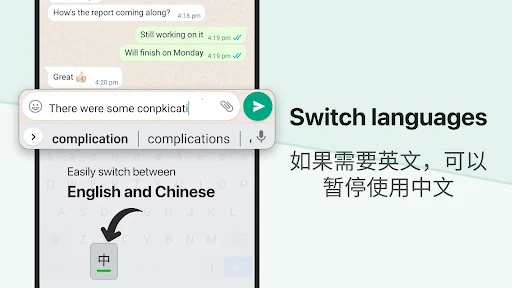
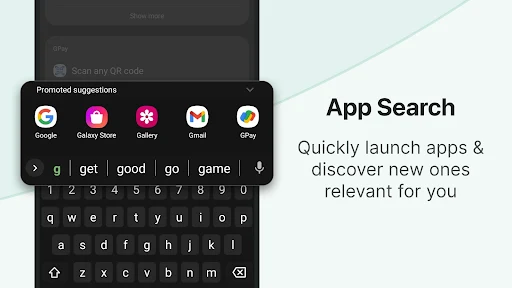
You can switch between English and Chinese with a language button, and use the keyboard in other apps that accept text. English suggestions are available too, which is useful if you regularly move between the two languages. As with any phonetic input method, the suggested characters may not match your intended word every time, so you may need to choose from the options shown.
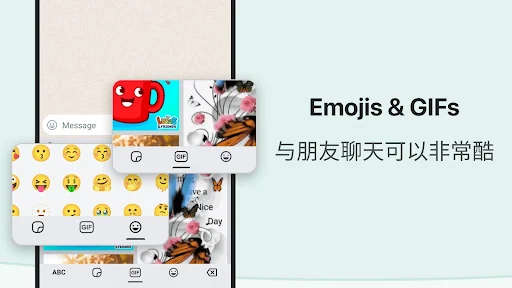
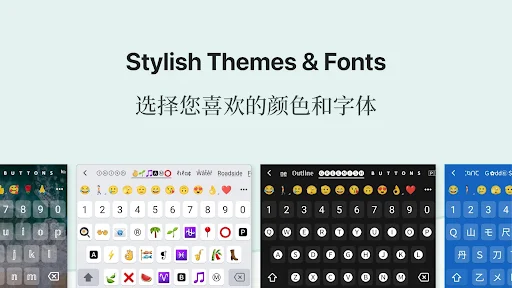
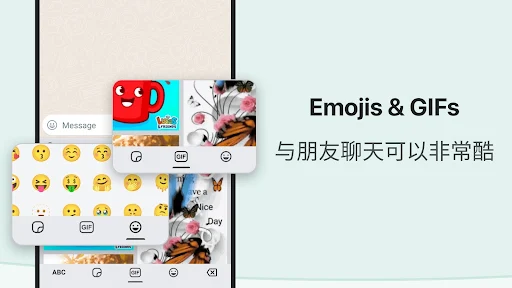
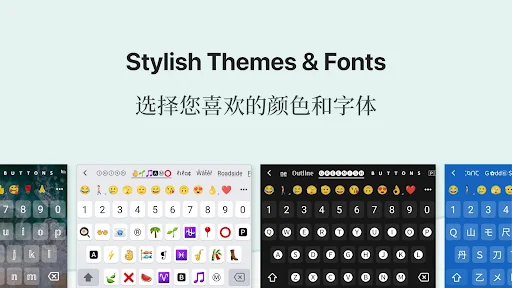
The keyboard includes an emoji bar and lets you browse stickers stored on your phone to share in messaging apps. You can change its theme or make one using a photo. These additions may matter if you want more than basic Chinese input; if you only need occasional translation, this keyboard is for typing rather than translating full passages.
It has a 4.52 rating from 12,858 reviews and more than 1,000,000 installs. Those figures suggest it has reached a substantial audience, but they don’t tell you whether its typing style will suit you. The developer says the app does not collect personal information or credit card details, while anonymous statistics may be collected. Android also displays a standard warning when you enable a downloaded keyboard, so review keyboard access with the same care you would give any input method.